
mejl
PricingHelp center

See less.
Read more.

Mejl is a Gmail client that splits your inbox into focused views, like Work, Receipts, or Newsletters. Open the one that matters now, read it without the rest of your inbox in the way, and bring it back to zero.
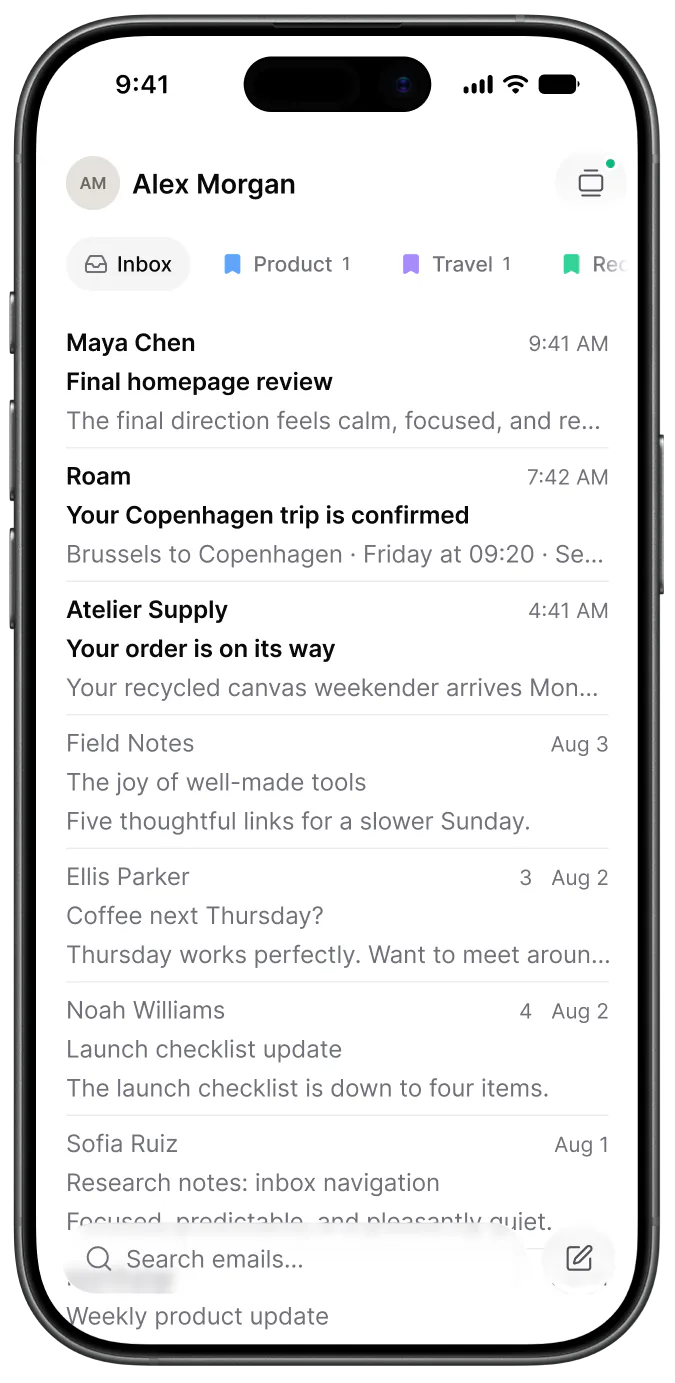
Mejl is also on iOS and Android
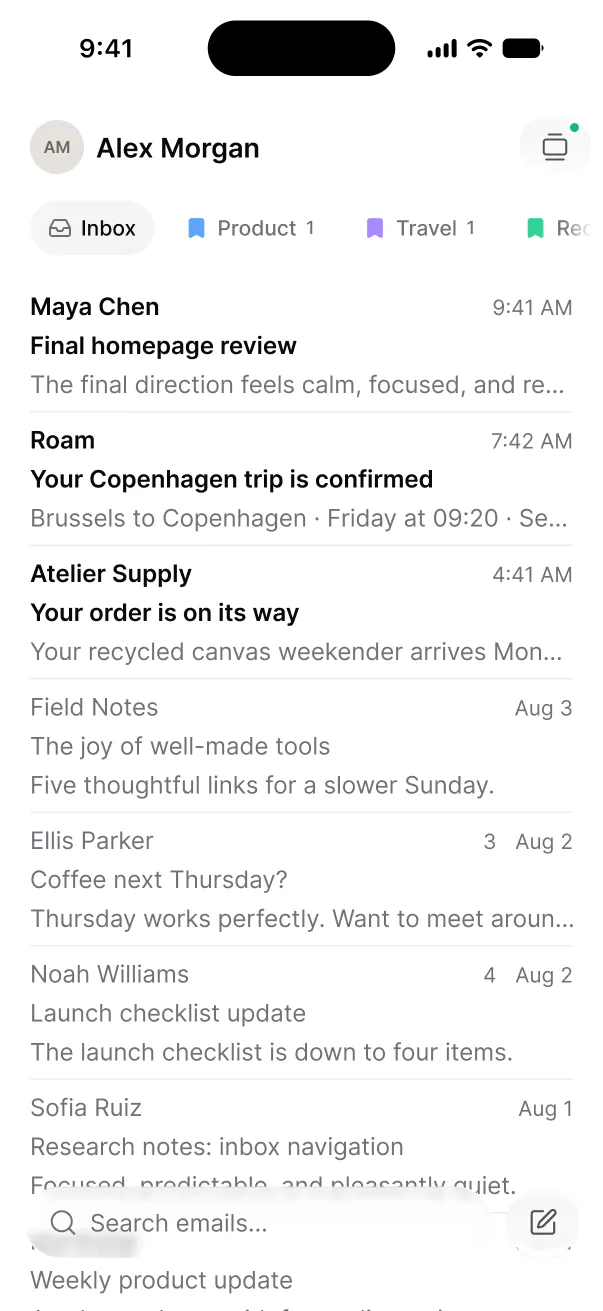
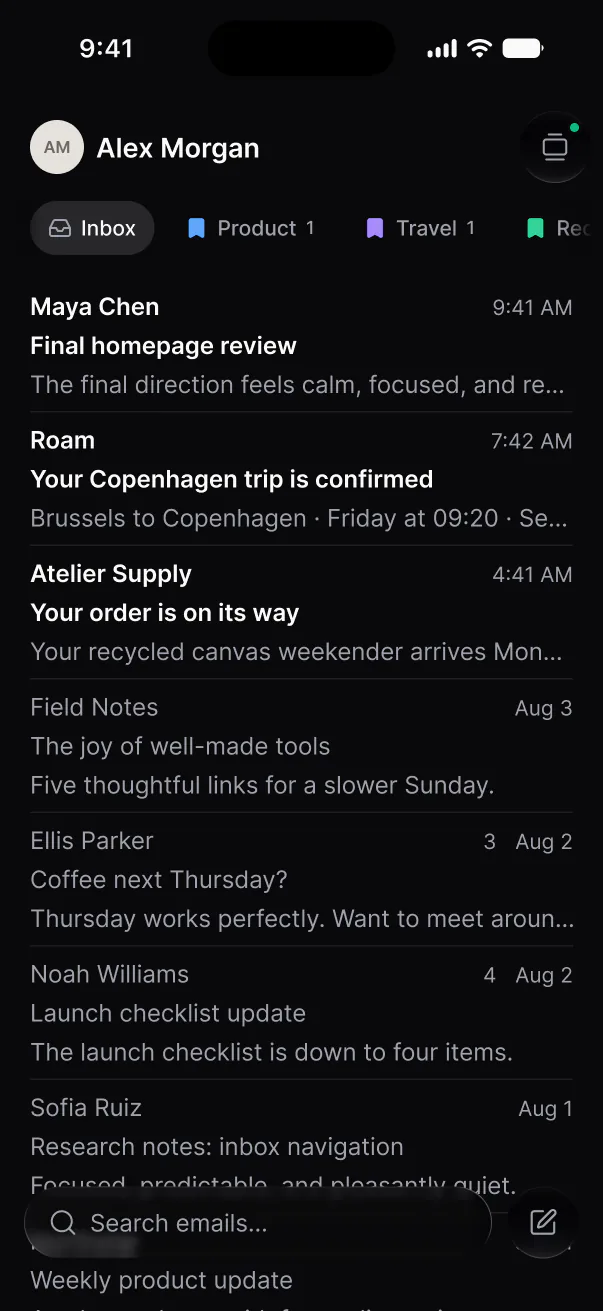
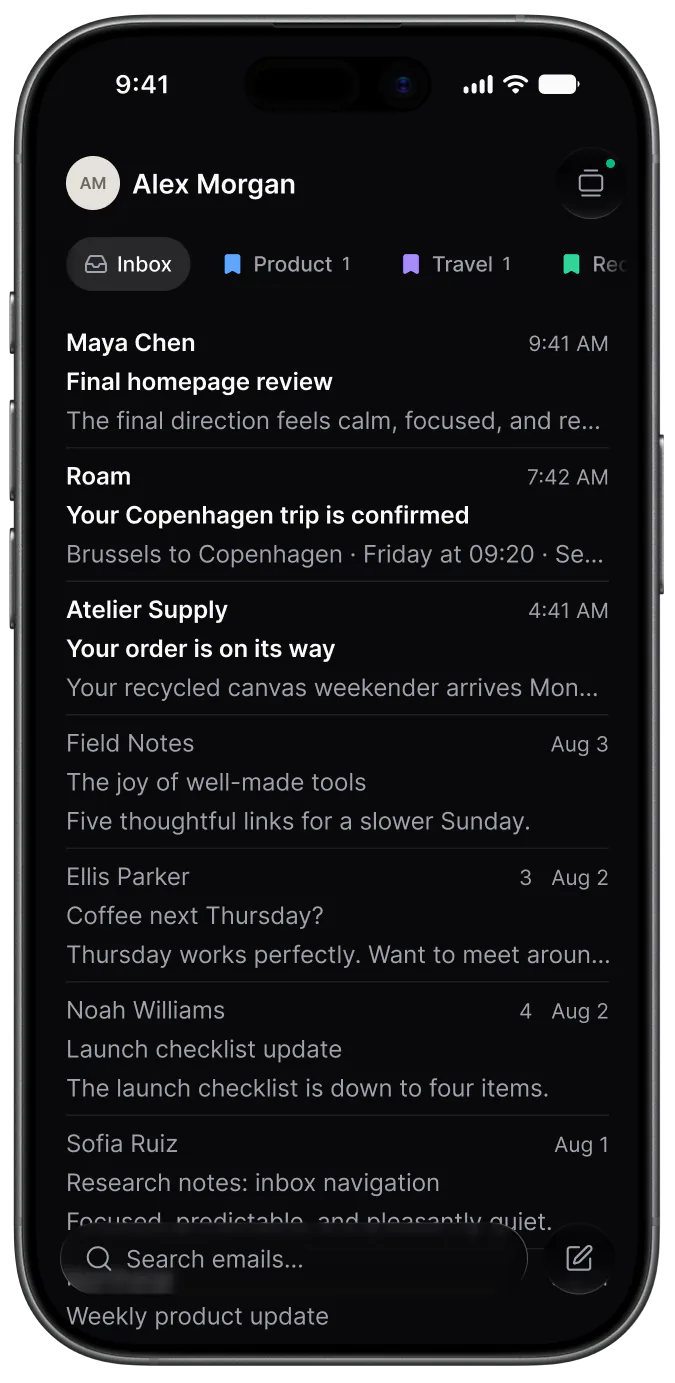
The Mejl inbox on a phone, with view pills above the thread listThe Mejl inbox on a phone, with view pills above the thread list
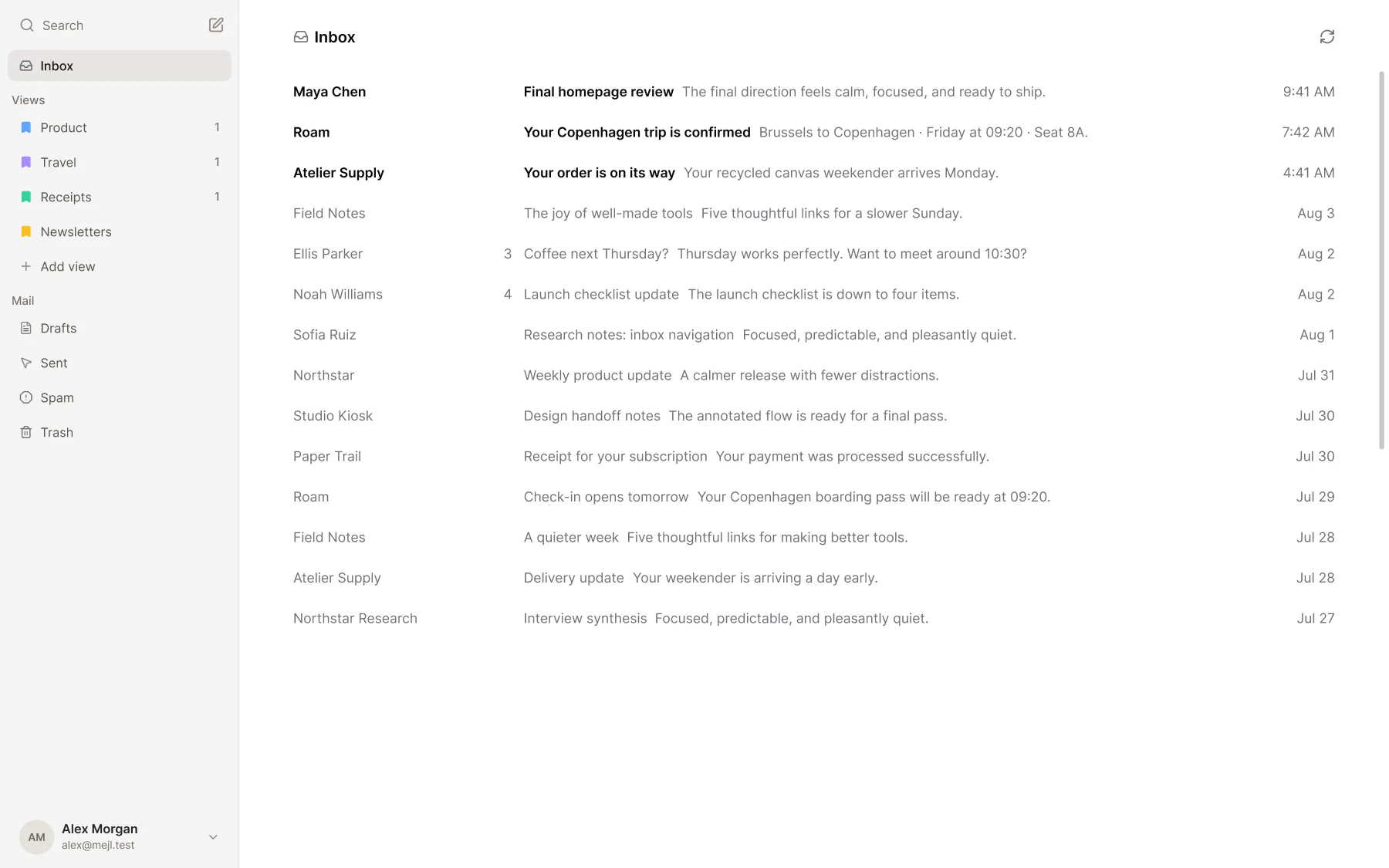
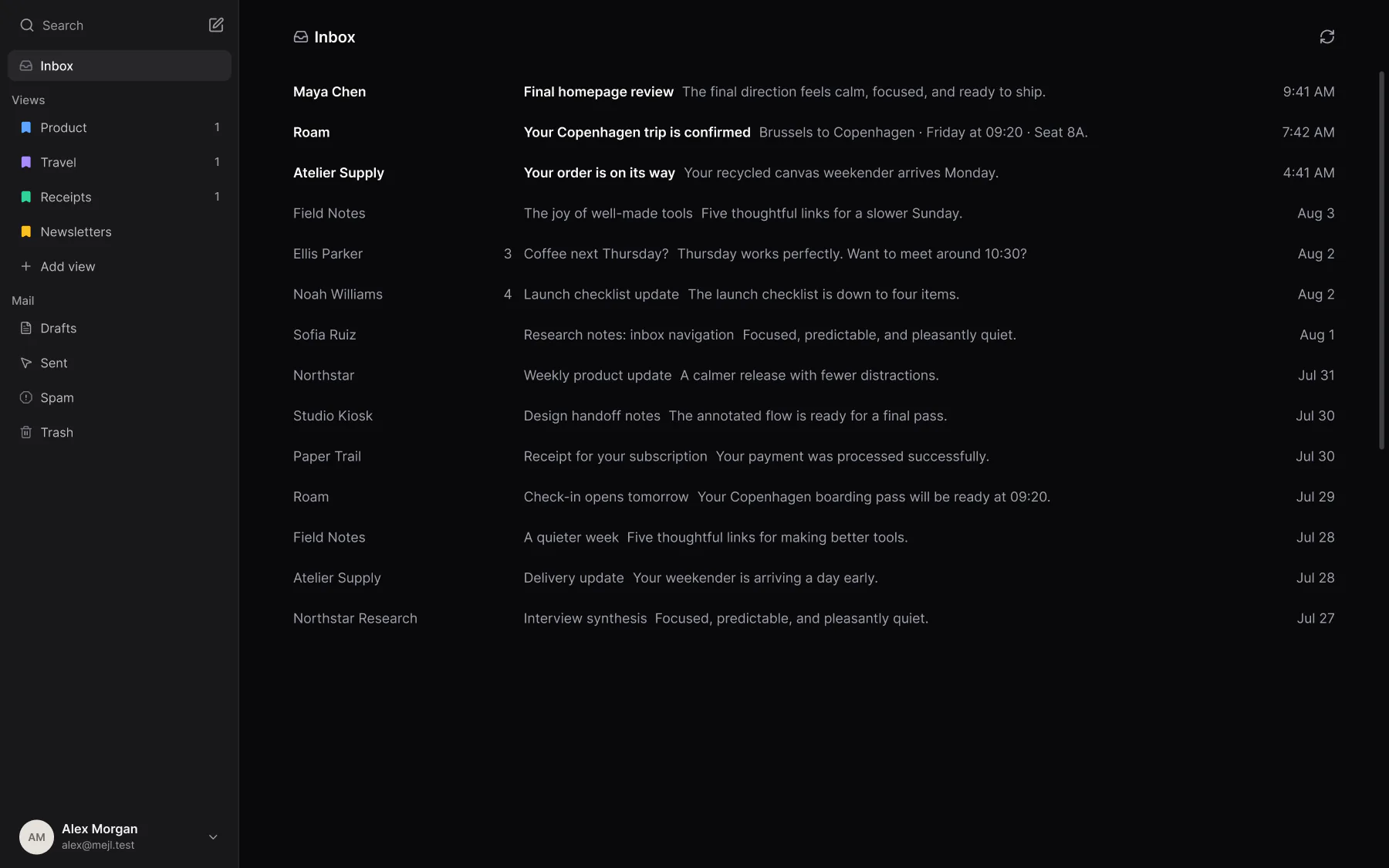
The Mejl web inbox, with label-based views in the sidebar and one view of mail openThe Mejl web inbox, with label-based views in the sidebar and one view of mail open

Your inbox,
without the whole inbox.

Work, receipts, newsletters, and travel don’t need your attention at the same time.

Work

2
  • Maya Chen

    Final homepage review

  • Noah Williams

    Launch checklist update

  • Studio Kiosk

    Design handoff notes

Receipts

0
  • Paper Trail

    Receipt for your subscription

  • Atelier Supply

    Your order is on its way

  • Roam

    Your booking invoice

Newsletters

4
  • Field Notes

    The joy of well-made tools

  • Northstar

    Weekly product update

  • Field Notes

    A quieter week

Travel

1
  • Roam

    Your Copenhagen trip is confirmed

  • Roam

    Check-in opens tomorrow

  • Northstar Rail

    Your seat reservation

Your mail, in its place.

Set a few rules or describe what belongs together. Mejl keeps new mail sorted into your views.

Gmail filter rules, made simple.

Create rules you can read and change. Keep newsletters, receipts, and work in their own views.

Included on Free.
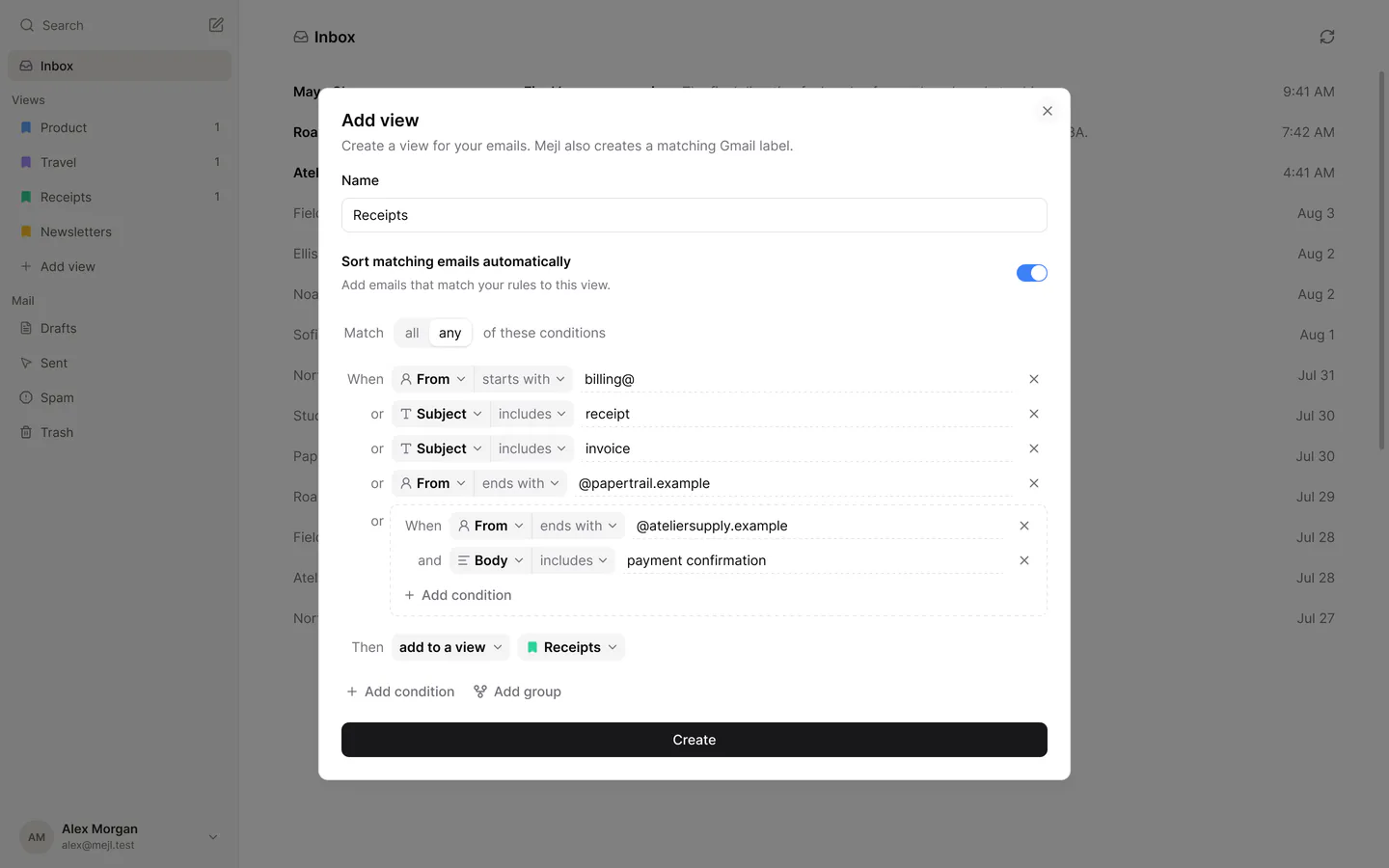
Add a view with an optional sorting description and Gmail rules for receipts, including a grouped sender and payment-confirmation condition.

Describe it. Mejl sorts it.

Tell Mejl what belongs in a view. It sorts new matching mail for you, from invoices to travel plans.

10 emails a day on Free. Unlimited with Mejl Plus.
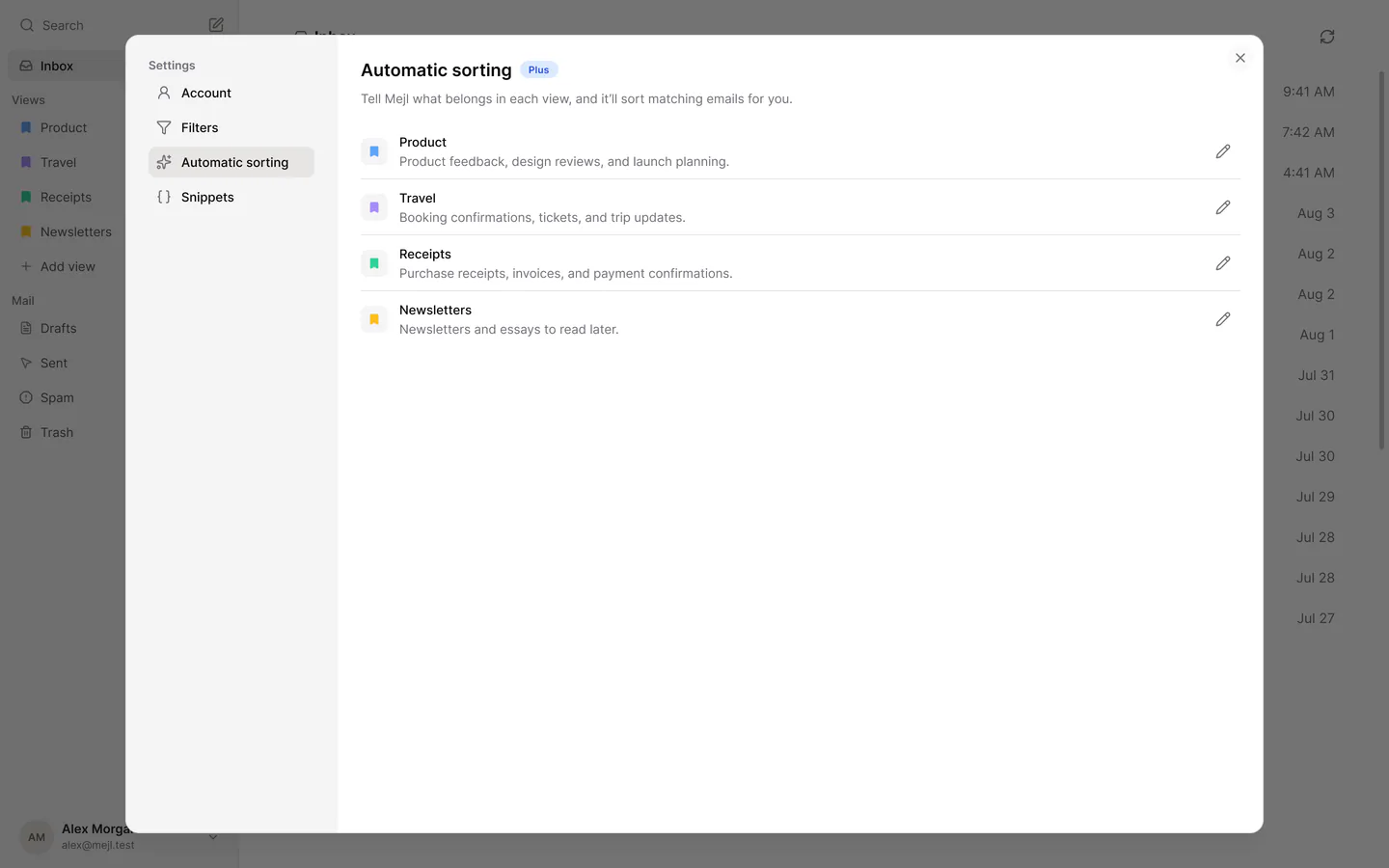
Mejl’s Automatic sorting settings, with the daily Free plan usage and descriptions for Product, Travel, and Receipts.

Your Gmail stays
your Gmail.

Mejl opens the mail already in your account and keeps your messages, labels, and filters in Gmail. There’s no separate mailbox to migrate or keep in sync. Mejl works with Gmail and Google Workspace accounts.
Coming from Superhuman? See how Mejl compares.Moving from Notion Mail? See what carries over.

Take one view with you.

Keep the same focused views, then move through unread one message at a time when you’re away from your desk.

Your views, close at hand

Open the mail that matters without returning to one mixed inbox.

Read the next message

Swipe up when you’re done. Stop when the view reaches zero.

Download on the App StoreGet it on Google Play

Free to use.
Plus when you want more.

Free sorts 10 emails a day by description. Mejl Plus removes that limit. It also adds short summaries of long threads, writing tools that fix and rephrase your text, and reply suggestions you can edit before you send.
Explore Mejl Plus
Product
HomePricing
Resources
Help centerSupportSuperhuman alternativeFocused Gmail viewsMoving from Notion Mail
Legal
Privacy policyTerms of service