
Read one part of your Gmail inbox at a time.
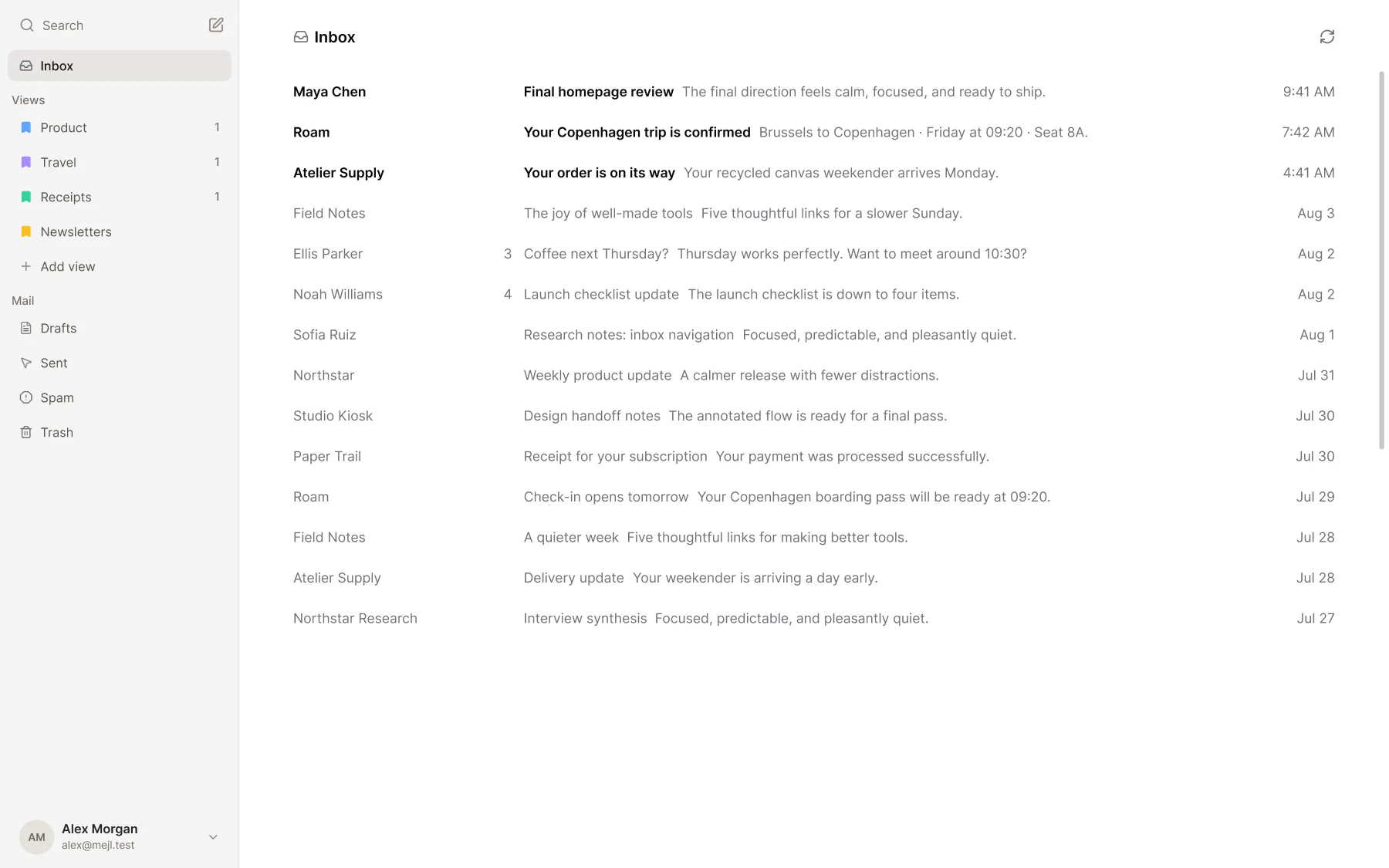
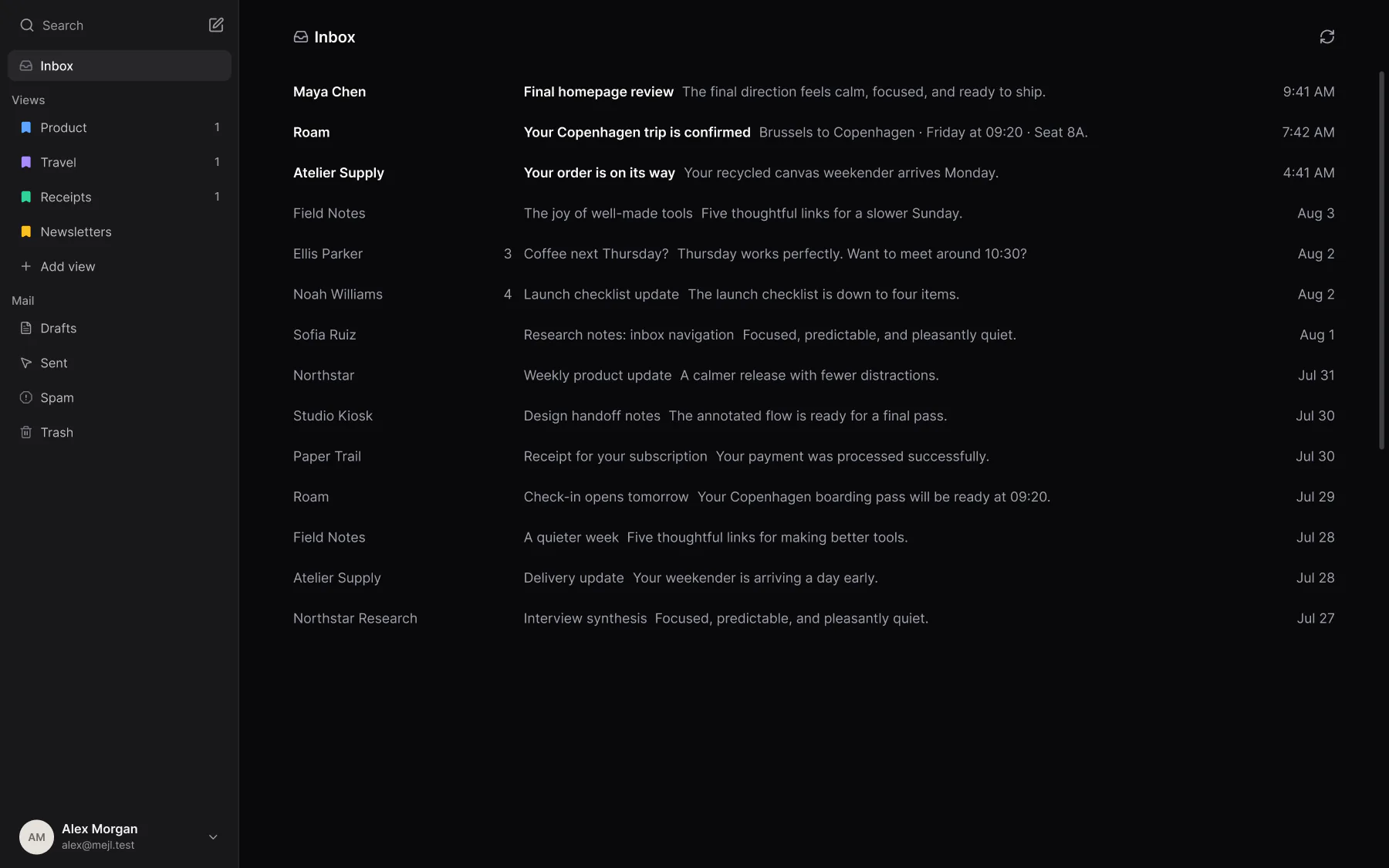
Mejl organizes Gmail into focused views with their own unread counts. Open work, receipts, or newsletters when you need them, while your messages and labels stay in Gmail.
Free includes focused views, Gmail filter rules, and sorting by description for 10 emails a day. Mejl Plus is optional. It removes the daily limit and adds thread summaries, writing tools, and reply suggestions.
How Mejl views work
Open Receipts when it’s time to do expenses. Read what you need, bring unread back to zero, and leave the rest of your inbox for later.
- 01
Focused views.
Open the kind of mail you want to read and let everything else wait.
- 02
Clear unread counts.
Each view shows its own unread count, so you know what’s waiting and when you’re done.
- 03
Organization that stays in Gmail.
Each view is connected to a Gmail label. Your messages and organization remain in Gmail.
Mejl vs Shortwave vs Superhuman
All three split Gmail into smaller groups of mail. Here’s how we see the differences. Each row links to its source.
Mejl |  Shortwave |  Superhuman | |
|---|---|---|---|
| Focused views | Mejl Open one group of mail at a time, with its own unread count. | Shortwave Inbox Splits for chosen senders, labels, or searches, with optional bundles. Source: Focused views | Superhuman Split Inboxes based on the mail you want to see, using search criteria or Auto Labels. Source: Focused views |
| Gmail labels | Mejl Each view connects to a Gmail label. Messages, labels, and filter rules stay in Gmail. | Shortwave Labels sync with Gmail. Splits can filter by label, but the split itself is separate. | Superhuman Supports Gmail labels. Configure Split Inboxes separately in Superhuman. Source: Gmail labels |
| Rule-based sorting | Mejl Gmail filter rules match senders, subjects, or phrases and sort future mail into views. Source: Rule-based sorting | Shortwave Label-powered splits can use Gmail filters or Shortwave auto-apply rules. | Superhuman Custom Auto Labels on Business and Enterprise can use exact criteria such as sender and subject, alongside AI prompts. |
| Sorting by description (AI) | Mejl Uses AI and your description of a view to classify new mail and apply its Gmail label. | Shortwave AI filters use descriptions, search queries, or both to label mail and take actions such as archiving. Source: Sorting by description (AI) | Superhuman Auto Labels classify mail with AI. Custom labels can combine AI prompts and exact rules on Business and Enterprise. Source: Sorting by description (AI) |
| AI writing tools | Mejl Mejl Plus rewrites selected text: fix spelling and grammar, change tone, or adjust length. Source: AI writing tools | Shortwave The AI Assistant writes emails and improves existing drafts. Source: AI writing tools | Superhuman Write with AI helps draft and edit email. Source: AI writing tools |
| Reply suggestions | Mejl Mejl Plus suggests a reply you can insert with one click, or writes one from a short description. | Shortwave Instant AI replies generate contextual drafts you can refine. | Superhuman Instant Reply offers AI-generated replies you can edit before sending. |
| Plans | Mejl Free: focused views, Gmail filter rules, and sorting by description for 10 emails a day. Plus: $4.99/month for unlimited sorting, thread summaries, writing tools, and reply suggestions. Tax details on the pricing page. Source: Plans | Shortwave Free plan. Pro $18; Business $30, Premier $45, Max $120 per seat/month. 14-day free trial. Source: Plans | Superhuman Starter: $30/month, or $25/month billed annually. Source: Plans |
| Best fit | Mejl Reading one group at a time and bringing its unread count to zero. | Shortwave Grouping related threads into bundles and choosing which mail appears in each split. | Superhuman Separating priority mail with custom splits and Auto Labels. |
Last reviewed October 8, 2026.
When is Mejl the better fit?
Choose the workflow you want to use each day.
Mejl is a good fit if…
You want to read one kind of mail at a time, see what’s still unread, and keep your organization in Gmail.
Mejl is not the right fit if…
You use Outlook or IMAP, or Gmail’s own labels and Multiple Inboxes already give you the reading workflow you want.
Questions about focused Gmail views
Views, labels, sorting, and choosing a Gmail client.
Does Mejl have AI labeling like Superhuman Auto Labels?
Yes. Mejl’s sorting by description, which uses AI, classifies new mail from your view descriptions and applies Gmail labels. Superhuman calls its feature Auto Labels; Shortwave offers AI filters on Business plans and up. They serve a similar purpose, but their rules and available actions differ.
How are focused views different from Gmail Multiple Inboxes?
Gmail Multiple Inboxes adds sections defined by search criteria alongside your main inbox on a computer. Mejl is a separate Gmail client: open one focused view at a time and work through its unread count. If Gmail’s own layout already works for you, you may not need another client.
Why use Mejl if I already use Gmail labels?
Your labels already group your mail. Mejl gives those groups a focused place to read, with a separate unread count for each view. The label stays in Gmail; you don’t need to move your messages to another mailbox.
How does Mejl compare with Shortwave Inbox Splits?
Shortwave offers search-based Inbox Splits, including splits filtered by labels, plus bundles for grouping threads. Mejl connects each view to a Gmail label and centers the workflow on reading one group of mail and clearing its unread count.
How does Mejl compare with Superhuman Split Inbox?
Superhuman lets you define custom Split Inboxes with search criteria and Auto Labels. Mejl’s focused views are connected to Gmail labels. Both separate mail into smaller groups; choose based on the reading workflow and other features you need.
Can new mail go into views automatically on Free?
Yes. Gmail filter rules sort matching mail into views on Free, with no daily limit. Free also includes sorting by description, which uses AI, for 10 emails a day. Mejl Plus removes that limit and adds thread summaries, writing tools, and reply suggestions.
Does Mejl support Outlook or IMAP?
No. Mejl works with Gmail and Google Workspace accounts only for now. Your existing messages and labels stay in Gmail.
Start free with the Gmail inbox you already have.
Comparing custom inboxes across clients? This page covers Mejl, Shortwave, and Superhuman. For a closer look at switching from Superhuman, use the dedicated guide.
Coming from Superhuman? See the Superhuman alternative guideComing from Notion Mail? See the switch guide