
Sort Gmail into labels automatically, with AI. Just describe it.
Mejl is a Gmail client for the web, iOS, and Android. Describe what belongs in a view, and Mejl uses AI to sort new email into it and apply the Gmail label. There’s no workflow to build and no API key to manage.
The Gmail client is free, with no trial and no credit card. Free includes sorting by description for 10 emails a day. Mejl Plus is optional and removes the limit.
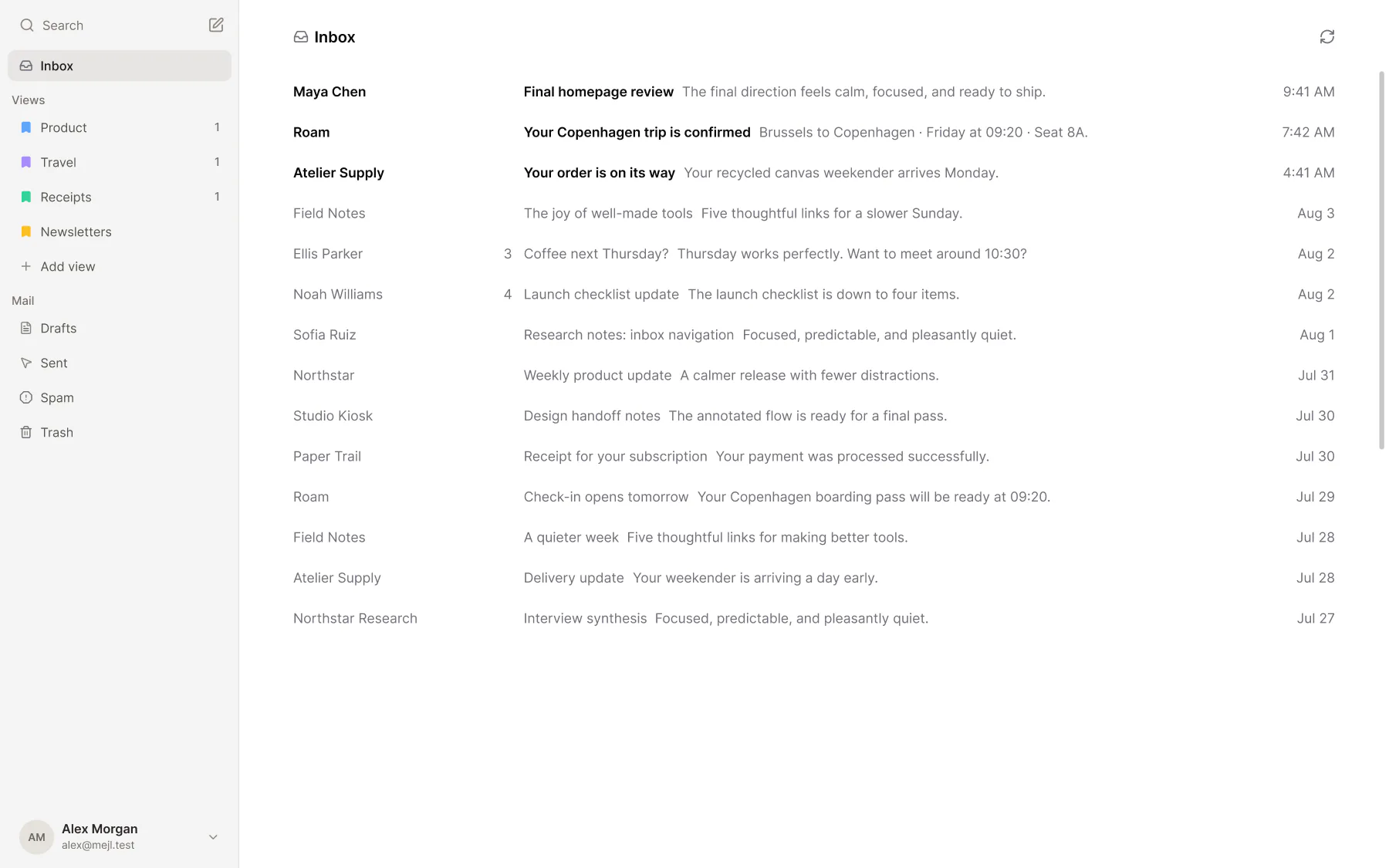
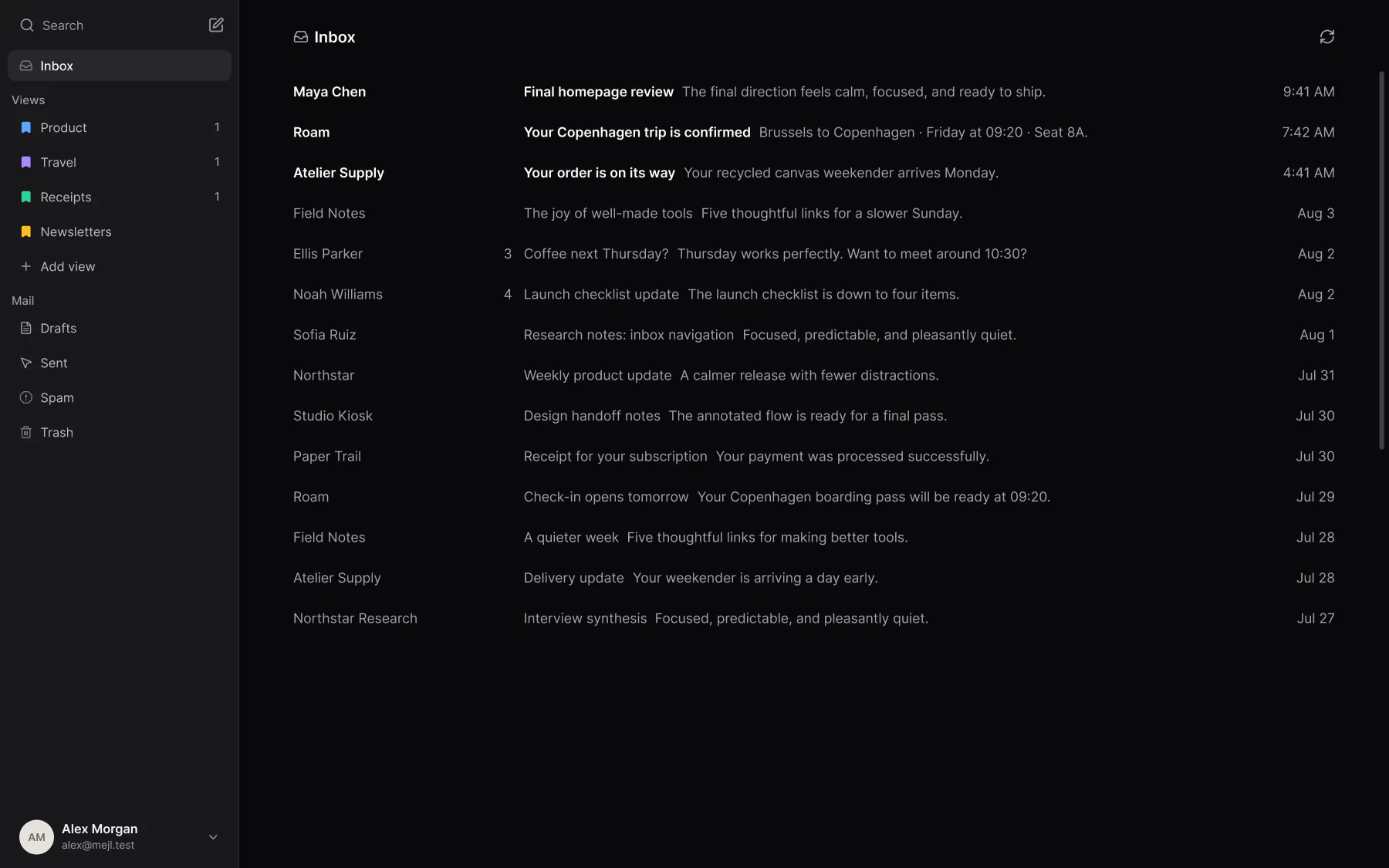
How does AI sorting work in Mejl?
A filter needs the exact sender or subject. A description only needs you to say what the email is.
- 01
Describe what belongs.
Write one sentence for a view, such as “Receipts, invoices, and order confirmations.” You don’t list senders or keywords.
- 02
Check it on your own mail.
Preview shows which of your recent emails would move there. Change the sentence until the right ones match.
- 03
New mail sorts itself.
Mejl reads each new email and applies the Gmail label of the view it fits. The label shows in Gmail too.
Gmail filters vs sorting by description
Both put a Gmail label on new email. Here’s how they differ. The Gmail rows link to Google’s help page.
 Gmail | Mejl | |
|---|---|---|
| How you set it up | Gmail You enter search criteria, such as a sender, a subject, or words in the email, then choose a label. Source: How you set it up | Mejl You describe the kind of email in a sentence. |
| What it matches | Gmail Email that meets the exact criteria you entered. | Mejl Email that fits your description, also from a sender you haven’t seen before. |
| How you check it | Gmail Search shows which of your emails meet the criteria before you create the filter. Source: How you check it | Mejl Preview shows which of your recent emails would move, and which wouldn’t. |
| Where the result lives | Gmail A Gmail label on the email. | Mejl A Gmail label on the email. Each Mejl view is connected to one label. |
| Price | Gmail Free with a Google account. | Mejl Free for 10 emails a day. Unlimited with Mejl Plus, an optional add-on for $4.99/month. |
Last reviewed November 20, 2026.
Is AI sorting right for your Gmail?
AI sorting helps most when the senders keep changing.
Mejl is a good fit if…
You use Gmail, your filters keep missing mail from new senders, and you’d rather describe a kind of email once than maintain a list of rules.
Mejl is not the right fit if…
You use Outlook or IMAP, you want to sort years of old email, or a few exact Gmail filters already put your mail where you want it.
Questions about sorting Gmail with AI
How it compares with filters and automation tools, what it costs, and what happens to your mail.
Can AI sort Gmail into labels automatically?
Yes. In Mejl, you describe what belongs in a view, such as “Newsletters and digests I subscribed to.” Mejl uses AI to read each new email and applies the Gmail label of the view it fits. You don’t build a workflow or bring an API key.
How is this different from a Gmail filter?
A Gmail filter matches exact criteria, such as one sender or one subject. It’s the right tool when you know those details. A description matches a kind of email, so it also catches a receipt from a shop you’ve never bought from. Mejl includes both, and you can use them together.
Can I do this with Zapier or n8n?
Yes. Automation tools such as Zapier and n8n have templates that send each new email to an AI model and apply a label. You build and maintain that workflow yourself. In Mejl, sorting is part of the email client, and you can preview the result on your own mail before you save.
Does it sort the email I already have?
No. Mejl sorts new email as it arrives. To label email you already have, use a Gmail filter rule or move the conversations into a view yourself.
Is my email used to train AI?
To sort by description, Mejl sends the relevant email content to an AI provider. Mejl requires zero data retention for these requests, and the providers can’t use your mail to train models.
Is AI sorting free?
Yes. The Gmail client is free, with no trial, no time limit, and no credit card. Free includes sorting by description for 10 emails a day and Gmail filter rules with no daily limit. Mejl Plus is optional and costs $4.99/month or $44.99/year. It removes the daily sorting limit and adds thread summaries, writing tools, and reply suggestions.
Does Mejl support Outlook or IMAP?
No. Mejl works with Gmail and Google Workspace accounts only for now. Your existing messages and labels stay in Gmail.